
How Pest Control Website Design Can Explain the Difference Between Pest Control and Prevention
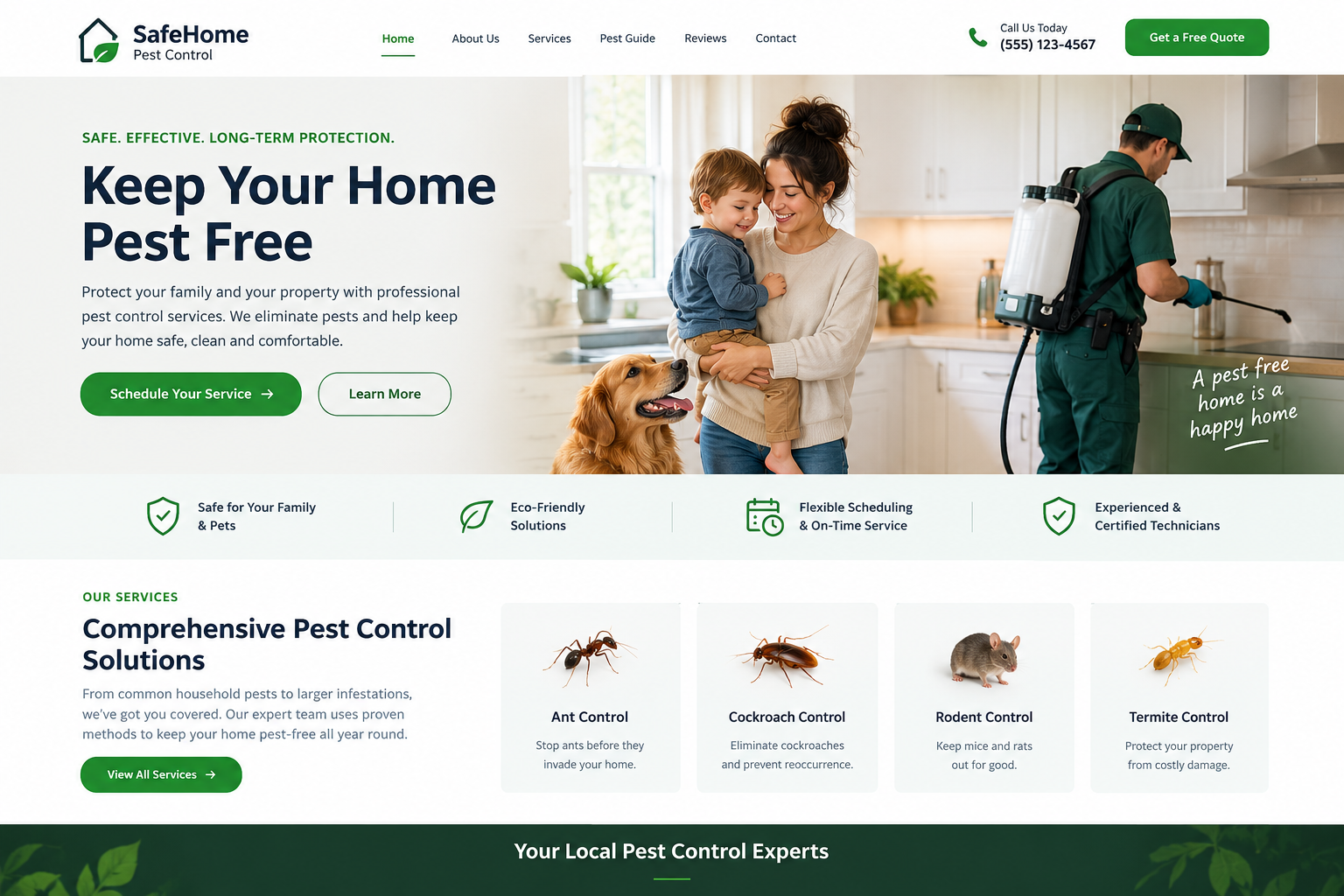
Most people only think about pests when they see one. A line of ants on the counter. A mouse in the garage. A strange noise in the attic. They call a pest control company, the problem gets fixed, and they feel relieved. A few months later, the pests are back. Effective pest control website design can help companies explain the importance of regular inspections, preventive treatments, and ongoing pest management to help customers avoid recurring problems.
This happens because many people do not know the difference between pest control and pest prevention. Control deals with the problem you have now. Prevention helps stop it from coming back. When your website explains this clearly, customers understand why both matter, and they are more likely to choose a full service plan. Let's look at how good website design can help.
Why This Difference Matters
Customers Often Mix Them Up
Many homeowners think one visit will solve everything for good. When pests return, they feel the service did not work. A clear explanation sets the right expectations from the start.
It Helps Customers Make Better Choices
When people know the difference, they can choose what fits their situation. Someone with an active problem needs control. Someone who wants to stay pest free may prefer a prevention plan, or both.
It Builds Trust
A company that explains things honestly looks more reliable. Customers feel that you are not just selling a quick fix, but helping them find a lasting answer.
Pest Control in Simple Words
What It Means
Pest control is the action taken to deal with pests that are already in the home or property. It can include sprays, traps, baits, or other treatments that remove or reduce the pests.
When It Is Needed
Explain that control is needed when someone sees pests, finds droppings, hears noises, or notices damage. It is a response to a problem.
What Customers Can Expect
Say what happens during a control visit, such as an inspection, a treatment, and some advice. Mention that results may take a little time, and that some problems need more than one visit.
Pest Prevention in Simple Words
What It Means
Prevention is about reducing the chances that pests will come back or come in for the first time. It focuses on the reasons pests are attracted to a place, such as food, water, and easy entry points.
Common Prevention Steps
Explain simple steps, like sealing small gaps, fixing leaks, keeping food in closed containers, cleaning up crumbs, and removing standing water outside. Regular check-ups by a professional can also help.
Why Prevention Saves Money
Stopping pests early is often cheaper than dealing with a big problem later. Some pests, like termites, can cause costly damage before anyone notices them. Mention this gently, without scaring people.
How to Show the Difference on Your Website
A Side-by-Side Comparison
A simple two-column layout works very well. On one side, "Pest Control" with a short description of when it is needed and what happens. On the other, "Pest Prevention" with the same points. Visitors can see the difference in seconds.
Icons for Each Idea
Use a different icon for each side. For example, a spray bottle for control and a shield for prevention. Icons make the page friendlier and easier to scan.
A Simple Timeline
A timeline can show how the two fit together. For example, "Step 1: Inspection. Step 2: Control treatment. Step 3: Prevention steps. Step 4: Regular check-ups." This helps customers see it as one journey.
Real Examples
Use short stories, like "A family had ants in the kitchen. We treated the problem, then sealed the gaps near the window where they were coming in." Real examples make the idea easy to understand.
Photos That Explain
Photos can show a sealed gap, a clean storage area, or a technician checking a window frame. Add short captions so people see what each photo means. Always get permission before showing a customer's home.
Expandable Sections
Some visitors want a quick answer, while others want details. Accordion sections keep the page tidy, with more information hidden until clicked.
Short Videos
A short video where a technician explains the difference in a calm and friendly way can be very helpful. Keep it under two minutes and add captions.
Template Features That Help
Comparison Table Block
Many WordPress templates include table blocks that are easy to edit. Use one to compare control and prevention by purpose, timing, and what is included.
Service Cards
Cards for each service, such as "General Pest Control," "Prevention Plans," and "Seasonal Check-ups," help customers find the right option. Each card has a title, an icon, and two short lines.
Plan or Package Layout
If you offer prevention plans, show them clearly. Describe what each plan includes and how often visits happen. Only list what you really offer.
Checklist Section
A short checklist called "Simple Ways to Prevent Pests at Home" gives visitors something useful, even before they call. It also shows that you care about helping them, not only selling a service.
Downloadable Guide
A one-page guide on prevention tips can be saved or printed. Keep the file light so it opens fast on a phone.
Read More: Pest Control WordPress Theme Easy Setup & Customization
Features That Help Visitors Take Action
Clear Buttons
Place buttons like "Get Pest Control Help" and "Ask About a Prevention Plan" in easy to see spots. Visitors can choose the path that fits their need.
Click to Call on Mobile
Many people search for pest help in a hurry. A click to call button lets them reach you with one tap, and a sticky version stays on screen as they scroll.
Short Contact Form
Ask for name, phone number, type of pest if known, and a short message. Let people upload a photo if it helps. Keep the form short so people finish it.
Free Inspection Offer
If you offer a free or low-cost inspection, mention it near this section. It is a gentle way for visitors to find out what they need.
Features That Build Trust
Customer Reviews
Place short reviews near your prevention plans. A line like "We have not had a problem since we started the plan" is helpful, as long as it is real.
Licenses and Certifications
If your company or technicians hold licenses, show them clearly. Only display what is current and true.
Honest Notes
Add a line like "No service can promise a home will never see a pest, but regular prevention can lower the chances." This is honest, and customers appreciate it.
Writing in Plain Words
Skip Technical Terms
Instead of "integrated pest management," say "a mix of treatments and simple habits to keep pests away." If you use a special word, explain it right after.
Keep It Calm
Pests worry people. Use a calm and kind tone, and avoid scary language.
Keep It Short
Two or three lines for each idea is enough on the main page. Offer a longer guide for people who want more.
Keeping the Template Fast and Mobile Friendly
Mobile Friendly Design
Many visitors will read this on their phones, often while looking at a pest problem. Choose a template with big text, easy buttons, and layouts that stack well on small screens.
Fast Loading
Photos and videos can be heavy. Compress images and choose a template built for speed.
Conclusion
Pest control and pest prevention work best together. Control solves the problem you see today, and prevention helps keep it from returning. When your website explains this in simple words, with side-by-side layouts, icons, real examples, and honest notes, customers understand your services and trust your advice. The right template makes this easy to set up and easy to update. If you are building or refreshing your site, take a look at premium WordPress Templates made for pest control businesses. They often include ready-made service sections, comparison blocks, and contact forms, so you can explain the difference clearly and professionally.
Frequently Asked Questions
1. What is the difference between pest control and pest prevention?
Pest control deals with pests that are already present. Prevention focuses on stopping pests from coming in or returning by removing what attracts them and closing entry points.
2. Why should my website explain this difference?
Many customers expect one visit to solve everything forever. Explaining the difference sets honest expectations and helps them choose the right service.
3. What is the best way to show the two on a website?
A side-by-side layout with icons works well. Show what each one is, when it is needed, and what happens during a visit.
4. Should I offer prevention plans?
If it fits your business, yes. Regular check-ups can help customers avoid bigger problems, and they bring steady work for you. Only describe plans you really provide.
5. Can I add comparison tables and cards without coding?
Yes. Most WordPress pest control templates let you add tables, cards, icons, and buttons with simple drag-and-drop tools.

 English
 Arabic
 French
 Spanish
 Portuguese
 Deutsch
 Turkish
 Italiano
 Russian
 Romaian
 Portuguese (Brazil)
 Greek
Greek