
Why Church Website Templates Should Keep Important Information Current
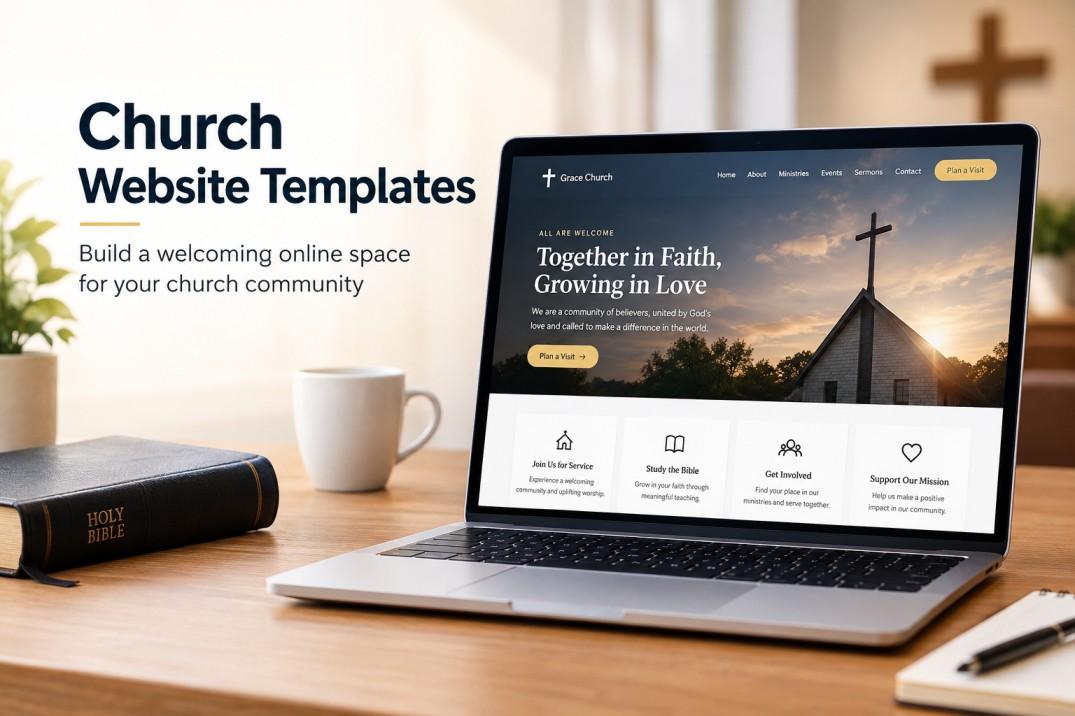
A family visits your town for the first time. They look up your church online, and the website says the Sunday service starts at 9:00 AM. They arrive at 8:55, only to find the doors closed. The service moved to 10:00 AM two years ago, but nobody updated the site. Well-maintained church website templates can help churches keep service times, event details, announcements, and other important information accurate and up to date.
It's a small mistake, but it leaves a big mark. That family may never come back. This is why keeping your church website current matters so much, and why the template you pick can make this job easier or harder. Let's talk about it in simple terms.
Why Old Information Hurts Your Church
Your website is often the first place people meet your church. Before they step through the door, they check the site to see when you meet, where you are, and what you're about.
If the details are wrong, people get confused or annoyed. Some will assume the church is not active anymore. Others will simply move on to another church that looks more organised. Fresh information tells visitors, "We're here, we're ready, and we'd love to see you."
What Kind of Information Needs to Stay Current
Not everything on your site changes often, but a few things must always be correct. Here are the main ones.
Service Times and Location
This is the most important one. Service times, address, and parking details should be right at all times. If you have different timings for holidays like Christmas or Easter, update them early.
Contact Details
Phone numbers, email addresses, and office hours change more than we think. A wrong number can stop someone from reaching out when they really need help or prayer.
Events and Announcements
Upcoming events like retreats, fundraisers, and Bible studies should be listed with the right dates. Old events sitting on the front page look sloppy and confuse people.
Staff and Leader Details
Pastors and ministry leaders come and go. If your site still shows someone who left last year, it feels out of touch. Keep names, photos, and roles up to date.
Ministry and Group Information
Groups like youth, choir, and women's fellowship may change their meeting days or leaders. Members rely on the site to know where to be and when.
Template Features That Help You Stay Up to Date
The right template makes updating quick, so it doesn't feel like a chore.
Easy Editing for Non-Tech People
Most church websites are run by volunteers, not web experts. A good template should let you change text, dates, and photos with a simple editor. If you can write an email, you should be able to update your site.
Editable Homepage Sections
Look for a template where the homepage sections, like service times and the latest news, can be changed in a few clicks. You don't want to dig through complicated settings just to fix a time.
Built-In Event Calendar
A calendar lets you add, move, or delete events in one place. Repeating events, like weekly prayer, can be set once and left alone. When an event passes, it can drop off the list on its own, which keeps the site tidy without extra work.
Announcement Banner
For urgent updates, a banner at the top of the site is very handy. If service is cancelled because of bad weather, you can post it in seconds, and every visitor will see it straight away.
Scheduled Posts
Some templates let you write a post now and set it to appear later. This is great for busy weeks. You can prepare next month's announcements ahead of time and let them go live on the right day.
User Roles
A good setup lets you give different people different access. The youth leader can update the youth page, and the office secretary can edit the events. This spreads out the work so one person isn't stuck doing everything.
Visit Our Website: Church Website WordPress Theme with Donation Features
Simple Habits That Keep Your Site Fresh
Even the best template can't update itself. A few easy habits can make a big difference.
Pick a person in charge. When everyone is responsible, nobody is. Choose one or two people to look after the site.
Set a weekly check. Take ten minutes every week to look at the homepage, events, and announcements. Fix anything that looks old.
Update after every change. If the service time changes on Sunday, fix the site on Monday. Don't wait.
Show the date. Put dates on posts and events so readers know the information is fresh.
Ask for feedback. Members are quick to spot mistakes. Give them an easy way to report problems, like a small contact form.
Check on your phone. Most people will visit from their mobile. Open your site on a phone now and then to make sure everything looks right.
The Trust Factor
Here's something people often forget. An up-to-date website builds trust. When details are right, people feel that the church is cared for and well run. It shows that leaders pay attention.
It also helps your own members. They don't have to call the office for simple questions, which saves time for everyone.
Conclusion
Keeping important information current isn't just a small task on a to-do list. It shapes how visitors see your church and how easily your members stay connected. Correct service times, fresh events, and clear contact details tell people that your church is alive and welcoming.
If you want to make this easier, consider premium WordPress Templates designed for churches. They often include event calendars, announcement banners, easy editors, and regular updates, so you can keep your site fresh without stress. Choose a template that's simple to manage, set a weekly habit, and your website will keep serving your church family well.
Frequently Asked Questions
1. How often should a church update its website?
Aim for at least once a week. Check service times, events, and announcements regularly, and update right away when something changes.
2. What is the most important information on a church website?
Service times, address, and contact details. These are the first things visitors look for, so they must always be correct.
3. Can non-tech volunteers manage a church website?
Yes. Many WordPress templates use simple editors and drag-and-drop tools, so volunteers can update the site without any coding knowledge.
4. What happens if my church website has outdated information?
Visitors may show up at the wrong time, miss events, or think the church is inactive. It can also make your church look less trustworthy.
5. How can I make website updates easier for my team?
Choose a template with an event calendar, an editable homepage, and user roles. Also, assign one person to check the site weekly.

 English
 Arabic
 Spanish
 Portuguese
 Deutsch
 Turkish
 Dutch
Dutch
 Italiano
 Russian
 Romaian
 Portuguese (Brazil)
 Greek
Greek