
Best Medical Doctor WordPress Theme Features for Organizing Practice Services
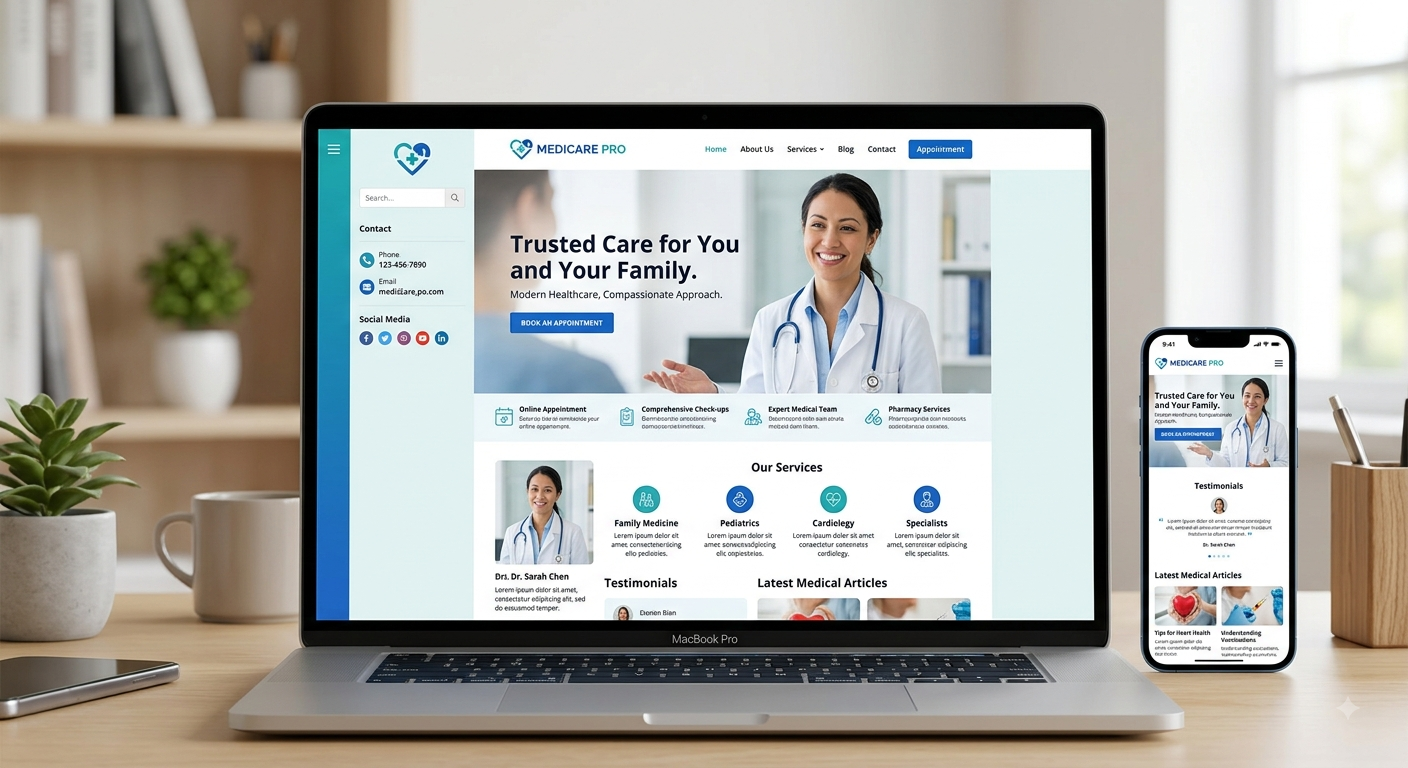
Behind every clean, easy-to-browse medical website is usually a practice manager or office admin who had to organize dozens of services into something coherent. That work happens on the backend, long before a patient ever sees the polished result, and it's often harder than it should be if the underlying theme wasn't built to handle a genuinely large, varied list of services efficiently. A Medical Doctor WordPress Theme can simplify this process with organized service categories, structured pages, reusable layouts, and easy content management, helping practices keep extensive service information consistent and manageable.
A medical doctor WordPress theme with the right organizational features makes that backend work significantly easier, which in turn makes the patient-facing experience better too.
Why Backend Organization Affects the Patient Experience
It's easy to think of service organization as purely an internal, administrative concern. But how easily your team can manage and update services directly affects how accurate, current, and well-structured the patient-facing site actually stays over time.
Poor Backend Organization Leads to Neglected Content
If updating or adding services is a frustrating, manual process, practices often let content go stale simply because it's easier to leave things as they are than deal with a clunky system.
Disorganized Backends Create Inconsistent Patient Experiences
When services are added haphazardly without clear structure, patients often encounter inconsistent formatting, missing details, or confusing categorization that reflects the underlying organizational mess.
Category and Taxonomy Features That Support Organization
Custom Service Categories
A theme that allows genuinely custom categories, rather than forcing services into rigid, predefined groupings, lets practices organize services in whatever way actually makes sense for their specific specialties and patient needs.
Tagging Services by Multiple Relevant Attributes
Beyond basic categories, tagging services by attributes like provider, location, or patient type allows more flexible, layered organization, useful for practices with multiple providers or locations offering overlapping services.
Hierarchical Category Structures
For practices with broad specialties containing multiple sub-services, support for nested or hierarchical categories, general cardiology under a broader heart health category, for example, keeps organization logical without flattening everything into one long list.
Features That Simplify Adding and Updating Services
Reusable Service Templates
A theme with a genuinely reusable service page template means adding a new service involves filling in a consistent structure rather than building each page from scratch, saving significant time for practice staff.
Bulk Editing Capabilities
For practices with extensive service catalogs, the ability to make bulk updates, adjusting a shared detail across multiple services at once, avoids the tedious, error-prone process of manually updating each page individually.
Duplicate and Modify Functionality
Being able to duplicate an existing, similar service page and modify only the relevant details speeds up adding related services without starting completely from scratch each time.
Multi-Provider Service Assignment Features
Linking Multiple Providers to a Single Service
For services offered by more than one provider, a theme that supports assigning multiple relevant providers to a single service page keeps information centralized rather than requiring separate, redundant pages for each provider offering the same service.
Filtering Services by Available Provider
Allowing patients to filter or view services based on which specific provider offers them supports easier navigation for practices with multiple physicians offering overlapping specialties.
Managing Provider-Specific Variations Within Shared Services
Where a service might vary slightly by provider, approach, technique, availability, features supporting these distinctions within an otherwise shared service structure prevent confusing duplication.
Location-Based Organization for Multi-Site Practices
Assigning Services to Specific Locations
For practices operating multiple locations, clearly assigning which services are available at which site prevents patient confusion and reduces wasted appointment requests for unavailable services at a particular location.
Location-Specific Service Variations
If certain locations offer variations of a service, different equipment, extended hours, features supporting this kind of nuance keep information accurate without requiring entirely separate service listings.
Read More: Best Hospital WordPress Theme for Clinics & Medical Centers
Search and Filter Features That Support Organization
Robust Backend Search for Content Management
An efficient backend search function helps staff quickly locate specific services to update, particularly valuable for practices with large, extensive service catalogs that would otherwise require scrolling through long lists.
Patient-Facing Filters Reflecting Backend Organization
Well-structured backend categories and tags translate directly into useful, patient-facing filtering options, meaning good organizational work on the backend pays off directly in usability for visitors.
Maintaining Consistency Across a Large Service Catalog
Enforced Formatting Through Structured Fields
Rather than relying on staff to manually format every service page consistently, structured content fields, dedicated areas for overview, preparation, and duration, naturally enforce consistency across the entire catalogue.
Required Field Prompts for Complete Information
Some themes support required or suggested fields, gently prompting staff to include essential information like preparation instructions or estimated duration, reducing the chance of incomplete service pages slipping through.
User Role Management for Service Updates
Assigning Update Permissions to Relevant Staff
For larger practices, a theme that works well with WordPress's user role system lets you assign service update permissions to relevant staff, like department coordinators, without giving everyone full site access.
Review or Approval Workflows for Content Changes
Some setups benefit from a review step before service updates go live, particularly useful for practices wanting clinical staff to verify accuracy before changes are published.
Keeping Services Organized as the Practice Grows
Scalable Structure for Expanding Service Offerings
A theme built with genuine scalability in mind accommodates growing service catalogues, new specialities, and additional providers without requiring a disruptive reorganization down the line.
Archiving Discontinued Services Cleanly
Rather than simply deleting outdated services, which can break existing links or lose useful historical content, features supporting clean archiving keep your site organized without losing valuable structure.
Mobile Presentation of Well-Organized Services
Since good backend organization directly supports patient-facing filtering and navigation, ensuring these organizational features translate cleanly to mobile browsing keeps the benefits of solid organization consistent across every device.
Conclusion
Organizing practice services well isn't just about how things look to patients, it's about building a backend structure that makes ongoing management genuinely manageable for your team. Through flexible categorization, reusable templates, and multi-provider assignment features, a well-built medical doctor WordPress theme supports both efficient internal organization and a clearer, more navigable patient experience. This kind of thoughtful organizational structure is exactly what you'll find supported in premium WordPress templates designed for medical and healthcare providers, helping your practice keep services accurate, current, and genuinely easy to manage.
Frequently Asked Questions
1. Why does backend organization matter if patients only see the finished website?
Because a difficult, disorganized backend often leads to neglected or inconsistent content over time, since staff naturally avoid frustrating, time-consuming update processes, which eventually affects what patients actually see.
2. Is bulk editing really necessary for smaller practices with fewer services?
It's less critical for smaller catalogues, but becomes increasingly valuable as service offerings grow, saving significant time compared to manually updating each page individually.
3. How important is it to assign services to specific providers or locations?
Very important for multi-provider or multi-location practices, since this prevents patient confusion and reduces wasted appointment requests for services that aren't actually available where or with whom they expected.
4. Should discontinued services be deleted entirely, or archived instead?
Archiving is generally better, since it avoids broken links and preserves potentially useful historical content, while still keeping the active, patient-facing catalogue clean and current.
5. Does good backend organization actually improve the patient experience directly?
Yes, well-structured categories and consistent formatting on the backend translate directly into clearer navigation, filtering, and more complete information for patients browsing your services.

 English
 Arabic
 French
 Spanish
 Portuguese
 Deutsch
 Turkish
 Dutch
Dutch
 Italiano
 Russian
 Romaian
 Portuguese (Brazil)