
Why Is My iPhone Charging Slowly? Common Causes and Solutions
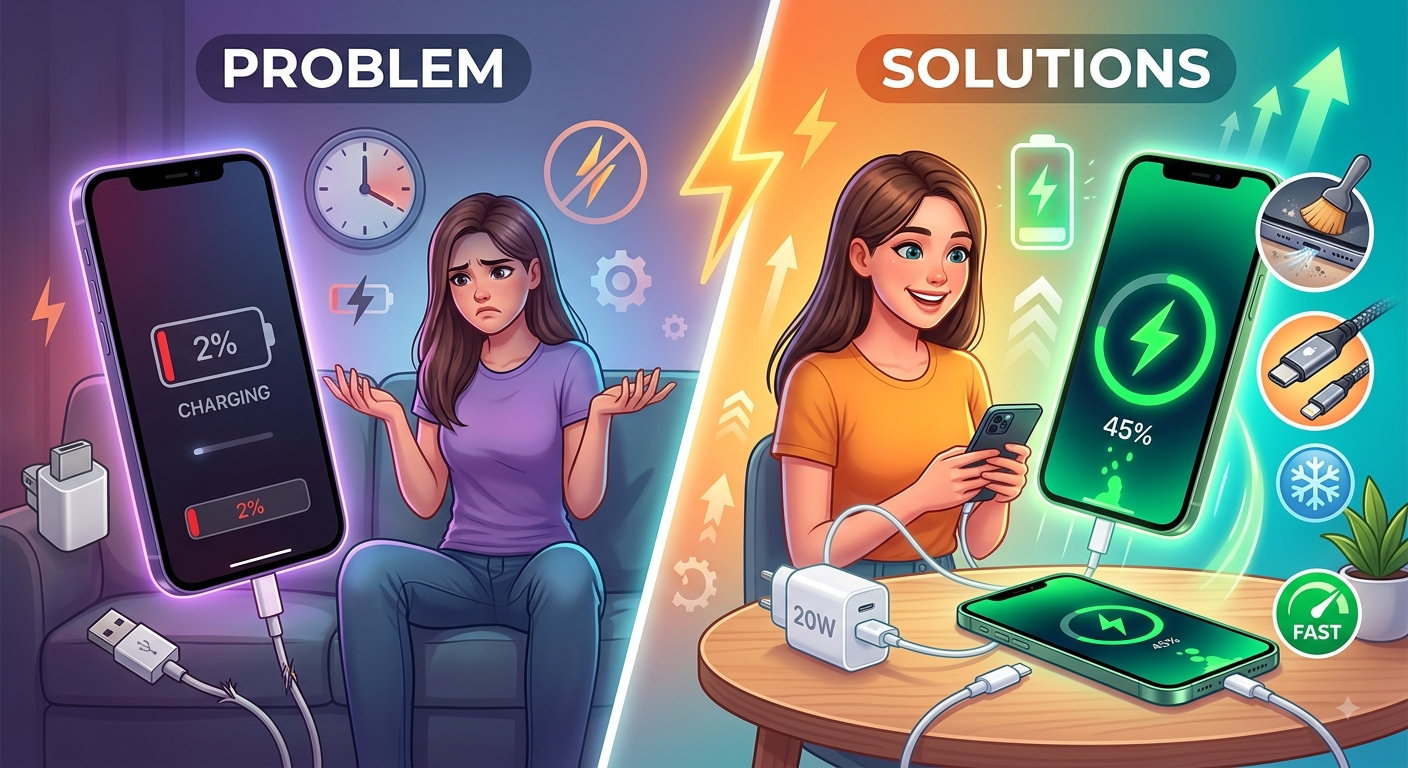
Few things are more frustrating than plugging in your iPhone expecting it to charge quickly, only to discover that the battery percentage is barely increasing. Slow charging can be caused by something simple, such as a damaged cable or dirty charging port, but it can also indicate a battery or hardware problem.
For people searching for iPhone repair in Douglasville, GA, understanding the possible causes of slow charging can help determine whether the issue can be fixed at home or requires professional attention. Mobile Device Techs helps local customers troubleshoot and repair common smartphone problems, including charging, battery, screen, and other hardware issues.
If you are experiencing slow charging, do not immediately assume that your iPhone needs to be replaced. Several common problems can affect charging speed, and identifying the cause can often help you find the right solution.
Whether you need Samsung Phone Repair Douglasville, GA or simply want to understand why your iPhone is taking so long to charge, this guide covers the most common causes and practical solutions.
What Does Slow iPhone Charging Mean?
Charging speed can vary depending on the iPhone model, charger, cable, battery condition, temperature, and how you are using the phone while it is charging.
Slow charging may become noticeable when:
- The battery percentage increases very slowly
- Your iPhone takes much longer than usual to reach a full charge
- The phone charges normally with one charger but slowly with another
- Charging repeatedly stops and starts
- The device becomes unusually warm while charging
- The phone shows a charging notification but the battery percentage barely changes
A slower charging rate does not always mean something is seriously wrong. However, if the problem is new or continues despite trying different chargers and cables, further troubleshooting may be necessary.
1. Your Charging Cable May Be Damaged
One of the easiest things to overlook is the charging cable.
Cables can become damaged from repeated bending, pulling, twisting, or everyday use. Even when a cable looks fine from the outside, internal damage can affect its ability to deliver power consistently.
Look for signs such as:
- Frayed sections
- Bent connectors
- Loose connections
- Intermittent charging
- Charging that stops when the cable moves
Try another compatible, high-quality charging cable. If your iPhone charges normally with the replacement cable, the original cable may be the cause.
Replacing a damaged cable is usually much simpler than repairing the phone itself.
2. The Charging Adapter May Not Provide Enough Power
The wall adapter you use can also affect charging speed.
Older or lower-power adapters may charge an iPhone more slowly than a suitable modern charging adapter. If you are using an adapter designed for another device or an older charger that provides limited power, your iPhone may take longer to charge.
Try a known-good compatible adapter and cable to see whether charging improves.
When troubleshooting charging problems, it is useful to test the cable and adapter separately. This helps determine which component is causing the issue.
3. Your iPhone's Charging Port May Be Dirty
Your charging port is exposed to dust, lint, dirt, and other small particles every day. Debris can accumulate inside the port and prevent the charging connector from making a proper connection.
This can cause:
- Slow charging
- Intermittent charging
- Charging that stops unexpectedly
- A connector that does not sit properly
- The phone failing to recognize the charger
If your charging cable feels unusually loose or does not connect securely, debris in the port could be a possible cause.
Do not insert sharp metal objects into the charging port because they can damage delicate components. If the port appears clogged or damaged, professional inspection may be safer.
4. Your iPhone May Be Too Hot
Temperature can affect charging performance.
If your iPhone becomes hot while charging, the device may reduce charging speed to help manage its temperature.
Using demanding applications while charging can increase heat. Leaving the phone in direct sunlight, inside a hot vehicle, or under a pillow can also contribute to excessive heat.
If your iPhone feels unusually warm:
- Move it to a cooler location
- Stop intensive applications
- Remove excessive external heat
- Allow the device to cool before continuing intensive use
If overheating happens repeatedly during normal charging, consider having the phone inspected.
5. You May Be Using the iPhone While It Charges
Streaming videos, playing games, using navigation, recording video, or running other demanding applications while charging can consume power at the same time the battery is receiving it.
As a result, the battery percentage may increase slowly.
For example, if an application is using significant power while the phone is charging, some of the incoming energy is being used immediately rather than going toward increasing the battery level.
For faster charging, minimize intensive use while the device is connected to power.
6. The Battery May Be Aging
All rechargeable smartphone batteries gradually lose capacity with normal use.
As a battery ages, you may notice changes in battery life and charging behavior. An older battery may not perform as efficiently as it did when the phone was new.
Other signs of battery-related problems can include:
- Battery draining unusually quickly
- Unexpected shutdowns
- Reduced battery life
- The phone becoming unusually warm
- Charging behavior changing significantly
If your iPhone has several battery-related symptoms, professional iPhone repair in Douglasville, GA may be worth considering.
A technician can evaluate the device and determine whether the battery or another component may be contributing to the problem.
7. The Charging Port Could Be Damaged
A damaged charging port can cause much more than slow charging.
Drops, pressure, moisture, debris, or repeated use can affect the port and its internal connections.
You may notice that:
- The cable only works in a certain position
- Charging stops when the phone moves
- The cable feels loose
- Charging repeatedly disconnects
- Different cables produce the same problem
If multiple known-good cables and adapters fail to resolve the issue, the charging port itself may need professional inspection.
This is one situation where Cell Phone Repair in Douglasville, GA can be useful for determining whether the problem is related to the port or another internal component.
8. Software or Background Activity May Affect Charging
Your iPhone may also use power while charging because of background activity.
Applications, updates, synchronization, location services, and other processes can consume battery power.
If your phone is charging but the percentage seems unusually slow to increase, check whether applications are actively running or whether the device is performing an update.
Restarting the iPhone can also help rule out a temporary software issue.
If charging remains slow after restarting and testing different charging accessories, the issue may require additional troubleshooting.
9. Your iPhone May Be Managing Charging to Protect the Battery
Modern iPhones can use charging-management features designed to help reduce battery aging.
Depending on your device and settings, charging behavior may change at certain battery levels or under certain conditions.
This can make it appear as though the phone is charging slowly even when the device is operating as intended.
If the charging speed changes mainly near a high battery percentage while the phone otherwise works normally, check your device's battery and charging settings before assuming that there is a hardware problem.
10. Moisture Can Affect Charging
If your iPhone has recently been exposed to water or another liquid, charging may be affected.
Modern devices can detect certain moisture conditions and may prevent or limit charging to reduce the risk of damage.
If your phone has been exposed to liquid, do not force the charging connector into the port. Allow the device to be handled appropriately and seek professional assistance if charging problems continue.
Liquid damage can sometimes affect internal components even when the phone appears to work normally at first.
How to Troubleshoot Slow iPhone Charging
Before taking your phone for repair, try these basic troubleshooting steps:
Step 1: Try Another Cable
Use a known-good compatible cable to determine whether the original cable is causing the problem.
Step 2: Try Another Adapter
Test another compatible charging adapter and power outlet.
Step 3: Restart Your iPhone
A restart can help eliminate temporary software-related issues.
Step 4: Reduce Phone Usage
Stop intensive applications while charging and allow the device to charge without heavy activity.
Step 5: Check the Charging Port
Look for visible debris or signs of physical damage without inserting sharp objects into the port.
Step 6: Check for Excessive Heat
If the phone becomes unusually warm, let it cool before continuing to charge.
Step 7: Consider Professional Inspection
If the problem continues with different charging accessories, the issue may involve the battery, charging port, or another internal component.
When Should You Get Professional iPhone Repair?
A slow-charging iPhone does not always require professional repair. However, you should consider getting the device inspected if:
- Multiple cables and adapters produce the same result
- The charging port is loose or damaged
- The phone repeatedly stops charging
- The battery drains unusually fast
- The device becomes excessively warm
- The iPhone has suffered physical or liquid damage
- Charging problems continue after basic troubleshooting
A professional technician can evaluate the phone and determine whether the issue is caused by the cable, adapter, port, battery, software, or another component.
If you are located nearby, searching for iPhone repair in Douglasville, GA can help you find local repair options.
How to Prevent Future Charging Problems
A few simple habits can help protect your iPhone's charging system.
Use compatible, quality charging accessories and avoid repeatedly bending the cable near its connector. Keep the charging port reasonably clean and protect your phone from excessive heat and moisture.
Avoid pulling the cable out by yanking the cord. Instead, disconnect it carefully from the connector.
A protective case can also help reduce damage caused by accidental drops, although no case can completely eliminate the risk of hardware damage.
Final Thoughts
A slow-charging iPhone can be caused by something as simple as a damaged cable, weak adapter, or debris in the charging port. In other cases, the problem may be related to heat, battery condition, software activity, liquid exposure, or damage to the charging port.
Before assuming that your phone needs an expensive repair, test a different compatible cable and adapter, restart the device, reduce heavy usage while charging, and check for obvious signs of damage.
If the problem continues, professional iPhone repair in Douglasville, GA can help identify the underlying cause. For broader smartphone issues, Cell Phone Repair in Douglasville, GA can provide a way to have your device professionally evaluated.
Mobile Device Techs helps customers with common smartphone and tablet repair needs, including charging and battery-related problems. Whether you need iPhone repair in Douglasville, GA, Cell Phone Repair in Douglasville, GA, Samsung Phone Repair Douglasville, GA, or Samsung Tablet Repair in Douglasville, GA, getting the right diagnosis is an important first step toward restoring reliable device performance.
If your iPhone is charging much more slowly than it used to, do not ignore the problem. Identifying the cause early can help prevent a small charging issue from turning into a larger device problem.

 English
 Arabic
 French
 Spanish
 Portuguese
 Deutsch
 Dutch
Dutch
 Italiano
 Russian
 Romaian
 Portuguese (Brazil)
 Greek
Greek