
Why Your iPhone Keeps Restarting and How to Fix It
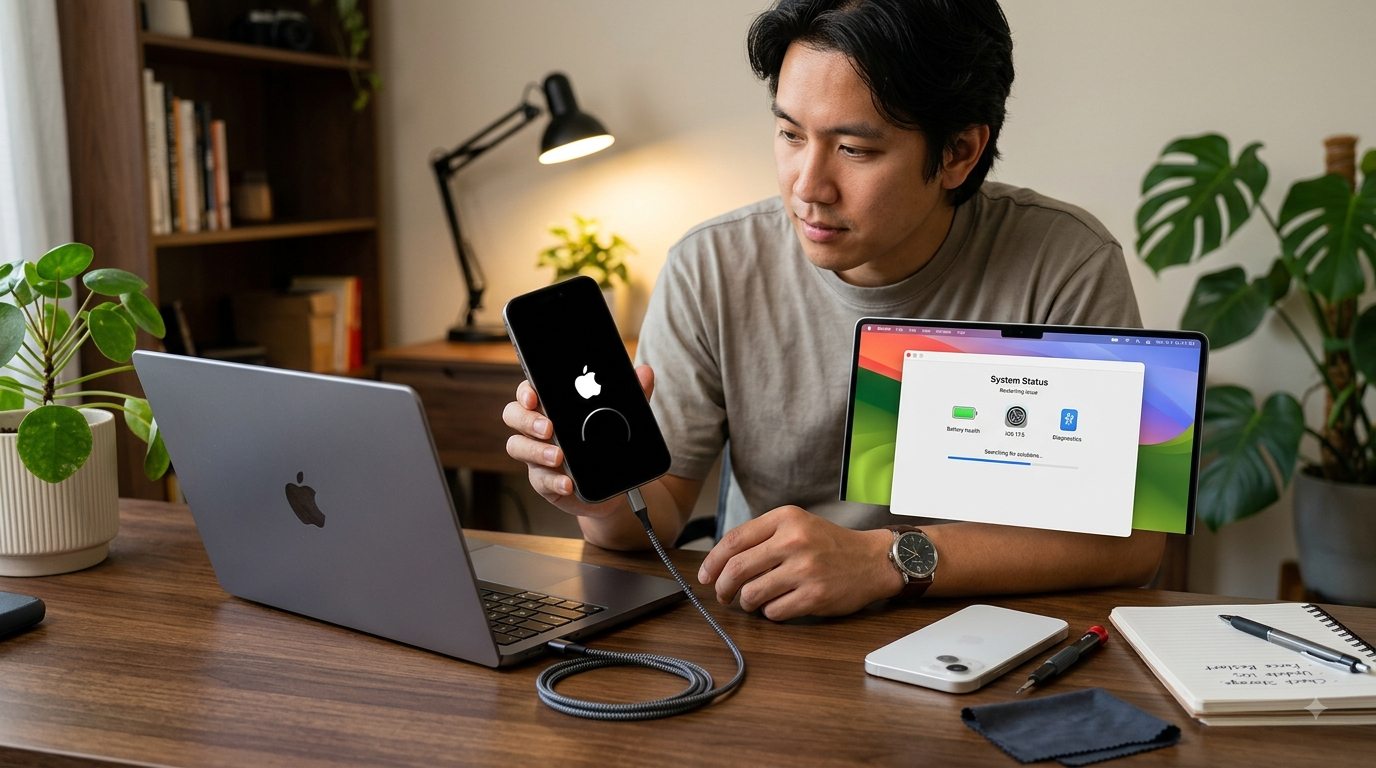
An iPhone that keeps restarting on its own can be frustrating, especially when you're trying to make a call, send a message, use an important app, or complete a task. Random restarts may happen occasionally because of a temporary software glitch, but frequent or repeated restarts can indicate a deeper problem. The cause could be an outdated app, insufficient storage, battery degradation, overheating, a software issue, or even damaged internal hardware.
If you're searching for dependable iPhone repair Brooklyn NY, Avenue D Cellular provides professional diagnostic and repair services for a variety of iPhone problems. From battery and charging issues to iPhone screen repair Brooklyn, experienced technicians can help identify the cause of unexpected device problems. In this guide, we'll explain the common reasons why an iPhone keeps restarting and what you can do to troubleshoot the issue.
What Does It Mean When an iPhone Keeps Restarting?
An unexpected restart occurs when your iPhone suddenly turns off and starts back up without you intentionally restarting it.
A single unexpected restart isn't necessarily a serious concern. Temporary software errors can occasionally cause this behavior.
However, frequent restarts may indicate a problem that requires attention.
You may notice:
- The Apple logo repeatedly appearing
- The phone restarting during normal use
- Apps closing unexpectedly
- The device becoming unusually warm
- Battery percentage changing unexpectedly
- The iPhone restarting while charging
- Restarts occurring at regular intervals
Understanding when the problem happens can provide useful clues about its cause.
1. Software Glitches
One of the most common causes of unexpected restarts is a temporary software problem.
An iPhone's operating system manages numerous processes simultaneously. If a system process encounters an error, the device may restart to recover.
Before assuming you have a hardware problem, try restarting the phone manually if you can access the controls normally.
You should also make sure the device is running an appropriate, up-to-date version of iOS.
2. Outdated Apps
An outdated or malfunctioning application can sometimes contribute to crashes and instability.
If your iPhone started restarting after installing or updating an app, that application may be worth investigating.
Check your installed applications and update them through the App Store. If one particular app consistently causes problems, consider removing it temporarily and checking whether the restarting stops.
If the problem continues even when you're not using that application, another cause may be responsible.
3. Low Storage Space
Insufficient storage can affect how an iPhone operates.
When your device has very little free space, you may experience:
- Slow performance
- App crashes
- Failed updates
- Freezing
- Unexpected restarts
Check your available storage under Settings > General > iPhone Storage.
Review which applications and files are using the most space. Removing unused apps, old videos, duplicate photos, and unnecessary downloads can help free up room.
Keeping your device organized can also make future software updates easier.
4. Battery Problems
An aging or damaged battery can contribute to unexpected shutdowns and restarts.
As lithium-ion batteries age, their ability to deliver power can decrease. In some situations, the battery may struggle to provide sufficient power during demanding tasks.
Other battery warning signs include:
- Rapid battery drain
- Unexpected shutdowns
- Poor battery life
- Slow performance
- Excessive heat
- Charging problems
Check your battery information under Settings > Battery > Battery Health & Charging.
If the battery is significantly degraded or showing unusual behavior, professional battery inspection may help determine whether replacement is appropriate.
5. Overheating
Excessive heat can also affect iPhone performance and stability.
Your phone may become warm during demanding activities such as gaming, video recording, navigation, or charging. However, persistent or excessive heat can indicate a problem.
Common causes of overheating include:
- Direct sunlight
- Hot environments
- Intensive applications
- Battery problems
- Charging issues
- Background processes
If your iPhone becomes unusually hot, stop demanding activities and allow it to cool naturally. Avoid placing it in a refrigerator or freezer because sudden temperature changes can cause additional problems.
If overheating and restarting occur together regularly, professional diagnosis is recommended.
6. Charging Problems
If your iPhone repeatedly restarts while connected to a charger, investigate the charging system.
Potential causes include:
- Damaged charging cable
- Faulty power adapter
- Dirty charging port
- Damaged charging port
- Battery problems
- Internal charging faults
Try a reliable charging accessory and inspect the charging port for visible debris or damage.
Avoid using sharp metal objects to clean the port because they can damage delicate contacts.
If charging problems continue, professional iPhone repair Brooklyn NY can help identify whether the issue involves the port, battery, or another internal component.
7. Physical Damage
If your iPhone started restarting after being dropped, physical damage may be involved.
An impact can potentially affect:
- Battery connections
- Internal cables
- Logic board components
- Charging components
- Other internal hardware
Some internal damage may not be visible from the outside.
If the phone was recently dropped and also has a cracked display, unresponsive touch, camera problems, or charging issues, professional inspection is especially important.
If the display was damaged during the accident, you may also need iPhone screen repair Brooklyn.
8. Water or Liquid Exposure
Liquid damage can cause unpredictable behavior, including unexpected restarts.
Even if an iPhone appears to work normally immediately after water exposure, corrosion or internal electrical problems can develop later.
If your device has been exposed to water and starts restarting afterward, avoid charging it and seek professional assistance.
Don't rely on home remedies such as placing the device in rice. Professional inspection is a safer approach when internal liquid damage is suspected.
9. Check for Recurring Patterns
Pay attention to when the restarts occur.
For example, does your iPhone restart:
- When opening a particular app?
- While charging?
- During gaming?
- When the battery is low?
- When using the camera?
- After becoming warm?
- At seemingly random intervals?
Identifying a pattern can help a technician narrow down the possible cause.
If the problem occurs under one specific condition, make a note of it before visiting a repair shop.
What to Do If Your iPhone Keeps Restarting
Try these basic troubleshooting steps:
Restart the Device
If possible, perform a normal restart to clear temporary software issues.
Update Your Apps
Install available updates for applications through the App Store.
Check Storage
Free up space if your device is nearly full.
Check Battery Health
Review battery information and look for signs of significant degradation.
Update iOS
Check Settings > General > Software Update for available system updates.
Back Up Your Data
If your iPhone is still functioning, back up important photos, contacts, messages, and documents before performing more advanced troubleshooting.
When Should You Get Professional Repair?
Professional diagnosis is recommended if your iPhone continues restarting after basic troubleshooting.
Seek assistance if:
- The phone restarts repeatedly throughout the day.
- It restarts while charging.
- The device becomes unusually hot.
- Battery performance has suddenly declined.
- The problem began after a drop.
- The phone was exposed to water.
- Multiple hardware features have stopped working.
- You cannot use the phone normally.
A technician can inspect the battery, charging system, internal connections, and other components to determine the likely cause.
Why Choose Avenue D Cellular?
If you're looking for reliable iPhone repair Brooklyn NY, Avenue D Cellular offers professional diagnostic and repair services for common iPhone problems.
Our experienced technicians can assist with:
- Battery replacement
- Charging port repair
- Unexpected restart diagnosis
- iPhone screen repair Brooklyn
- Camera problems
- Speaker and microphone issues
- General iPhone diagnostics
We focus on careful diagnosis, quality replacement components, professional workmanship, and dependable customer service. Instead of immediately replacing your iPhone, a professional assessment can help determine whether a repair can restore reliable performance.
Final Thoughts
An iPhone that keeps restarting can have several possible causes, including software glitches, outdated applications, low storage, battery degradation, overheating, charging problems, physical damage, or liquid exposure. Simple troubleshooting may solve some issues, but repeated restarts shouldn't be ignored.
If your iPhone continues restarting or shows other warning signs, professional diagnosis can help identify the underlying problem. For dependable iPhone repair Brooklyn NY, Avenue D Cellular provides professional solutions for battery problems, charging issues, unexpected restarts, and iPhone screen repair Brooklyn. Addressing the problem early can help protect your device, prevent further damage, and potentially extend its useful life.

 English
 Arabic
 French
 Spanish
 Portuguese
 Deutsch
 Turkish
 Dutch
Dutch
 Italiano
 Russian
 Romaian
 Portuguese (Brazil)