
How QR Codes Are Improving Product Discovery and In-Store Shopping
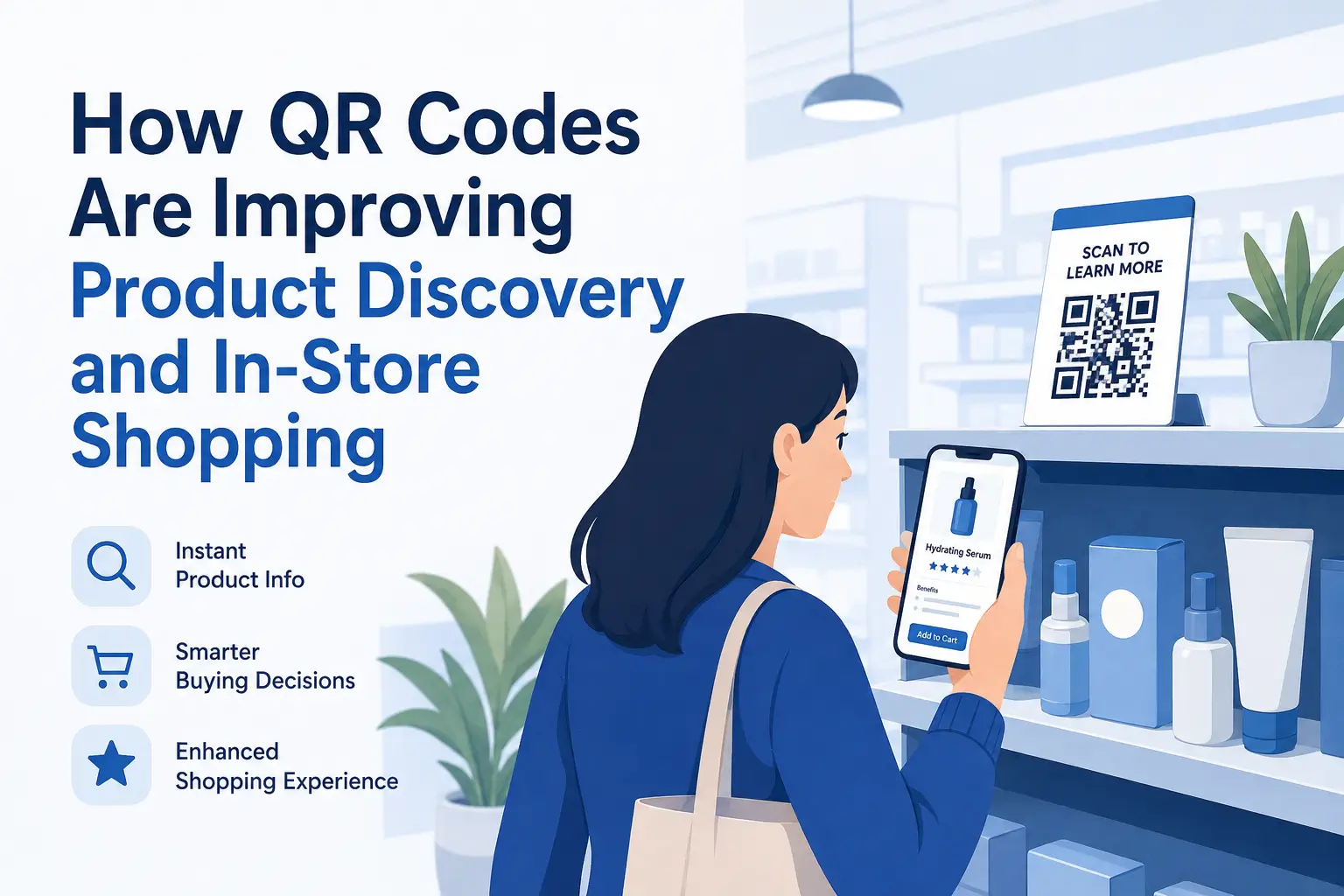
Physical stores offer something online shopping cannot fully replace: the ability to see, touch, and compare products in person.
At the same time, shoppers have become accustomed to having detailed information available instantly. They want specifications, reviews, demonstrations, availability, and promotions before deciding what to buy.
QR codes help retailers combine both experiences.
By placing a scannable code near a product or display, a store can give customers immediate access to useful digital content without adding more signs, packaging, or printed materials.
Connecting Store Shelves With Digital Information
Product packaging and shelf labels have limited space. They can show the essentials, but they cannot always answer every question a customer may have.
A QR code can lead shoppers to a page containing:
-
Detailed product specifications
-
Size or color options
-
Care and maintenance instructions
-
Ingredient or material information
-
Compatibility details
-
Demonstration videos
-
Customer ratings and reviews
This allows customers to explore products at their own pace while they are still standing in front of them.
Retailers can create product-linked codes with QRColor and direct each one to a relevant product page, guide, video, or offer.
Helping Customers Make Confident Decisions
A shopper who cannot find the information they need may postpone a purchase or leave the store entirely.
QR codes reduce that uncertainty.
For example, someone buying electronics can scan for technical specifications. A clothing shopper can check available sizes online. A customer comparing skincare products can review ingredients and usage instructions.
The scan provides an immediate next step instead of forcing the customer to search independently or wait for assistance.
This can make the purchasing process feel easier, faster, and more informed.
Creating More Engaging Retail Promotions
Traditional promotional signs communicate a message, but they do not always give customers a way to act on it immediately.
Adding a QR code can turn a static promotion into an interactive campaign.
Retailers can link promotional codes to:
-
Digital coupons
-
Limited-time discounts
-
Product bundles
-
Contests and giveaways
-
Loyalty program registration
-
Exclusive content
-
Seasonal landing pages
A sign that says “Scan to unlock an offer” gives shoppers a clear reason to engage.
It also allows businesses to share more information than would fit on a poster or shelf display.
Bridging In-Store and Online Shopping
Customers do not always complete a purchase during their first store visit. They may want to compare options, check availability, or return to the product later.
QR codes can help preserve that interest.
A product code can allow shoppers to:
-
Save the product page
-
Order an unavailable size or color
-
Check inventory at another location
-
Add the item to an online cart
-
Share the product with someone else
-
Continue shopping after leaving the store
This creates a smoother connection between the physical shop and the retailer’s online presence.
Instead of treating in-store and online shopping as separate experiences, QR codes help bring them together.
Making Stores Easier to Navigate
Retail QR codes do not have to be attached only to products.
They can also support customers throughout the store by linking to:
-
Digital store maps
-
Department directories
-
Gift guides
-
Product comparison tools
-
Frequently asked questions
-
Styling or buying guides
In larger shops, a QR code can help customers locate a department or check whether an item is available elsewhere.
In smaller stores, it can provide extra product education without requiring additional printed materials.
Supporting Employees Without Replacing Them
QR codes can answer routine questions, but they do not need to replace personal service.
Instead, they can give employees more time to focus on situations where human help matters most.
Customers who only need basic specifications can scan a code. Those who need recommendations, troubleshooting, or personalized advice can still speak with a member of staff.
This balance can improve efficiency while preserving the value of face-to-face service.
Using QR Codes on Packaging
Packaging is another useful place for retail QR codes.
After purchasing a product, customers can scan the packaging to access:
-
Setup instructions
-
User manuals
-
Warranty registration
-
Replacement parts
-
Reordering pages
-
Support information
-
Related products
This extends the usefulness of the QR code beyond the original purchase.
It can also reduce the need for large printed manuals and help customers find accurate information when they need it.
Encouraging Reviews and Repeat Purchases
The relationship with a customer does not have to end at checkout.
QR codes placed on receipts, shopping bags, inserts, or packaging can guide customers toward the next interaction.
They may link to:
-
Product review pages
-
Customer satisfaction surveys
-
Loyalty rewards
-
Reorder options
-
Future discounts
-
Social media accounts
The most effective approach is to give customers a clear benefit, such as loyalty points, helpful support, or a relevant offer.
Where Retail QR Codes Work Best
QR codes should appear where scanning feels natural and useful.
Common placements include:
-
Shelf labels
-
Price tags
-
Product packaging
-
Window displays
-
Promotional posters
-
Point-of-sale areas
-
Receipts and shopping bags
-
Product demonstration stations
The placement should match the action.
A code beside a product may offer specifications, while one near the checkout could promote a loyalty program or feedback survey.
Best Practices for Retail QR Codes
A QR code should make shopping easier, not introduce another obstacle.
Explain what the scan provides
Use a direct call to action such as “Scan for product details,” “Check available sizes,” or “Unlock this offer.”
Lead to relevant content
A product-level QR code should open information about that specific product, not a generic homepage.
Design for smartphones
The destination page should load quickly and be easy to read, navigate, and use on a mobile screen.
Keep the code easy to scan
Use sufficient contrast, leave space around the code, and avoid printing it too small.
Test before launch
Test every code from different distances, angles, lighting conditions, and phone models.
Review links regularly
Promotions end, products change, and pages move. Check codes periodically so shoppers do not encounter outdated information.
QR Codes for Small Shops and Larger Retailers
Large retailers can use QR codes across extensive product catalogs and coordinated campaigns.
Small businesses can use the same technology on a more personal scale.
An independent shop might link to the story behind a handmade product. A boutique could share styling ideas. A local food retailer could provide sourcing information or recipes.
The technology is simple, but the content behind it can be tailored to almost any retail environment.
Final Thoughts
QR codes give retailers a practical way to add digital depth to the physical shopping experience.
They can help customers learn more about products, access promotions, check availability, and continue shopping online. They can also support employees, strengthen loyalty programs, and encourage post-purchase engagement.
The best retail QR codes are not added simply because the technology is available. They are placed at moments when customers need information or a useful next step.
When that purpose is clear, a small code can make the entire in-store experience more connected and convenient.

 English
 Arabic
 French
 Spanish
 Portuguese
 Deutsch
 Turkish
 Dutch
Dutch
 Italiano
 Romaian
 Portuguese (Brazil)
 Greek
Greek