
QR Code Best Practices: How to Get More Scans Without Annoying People
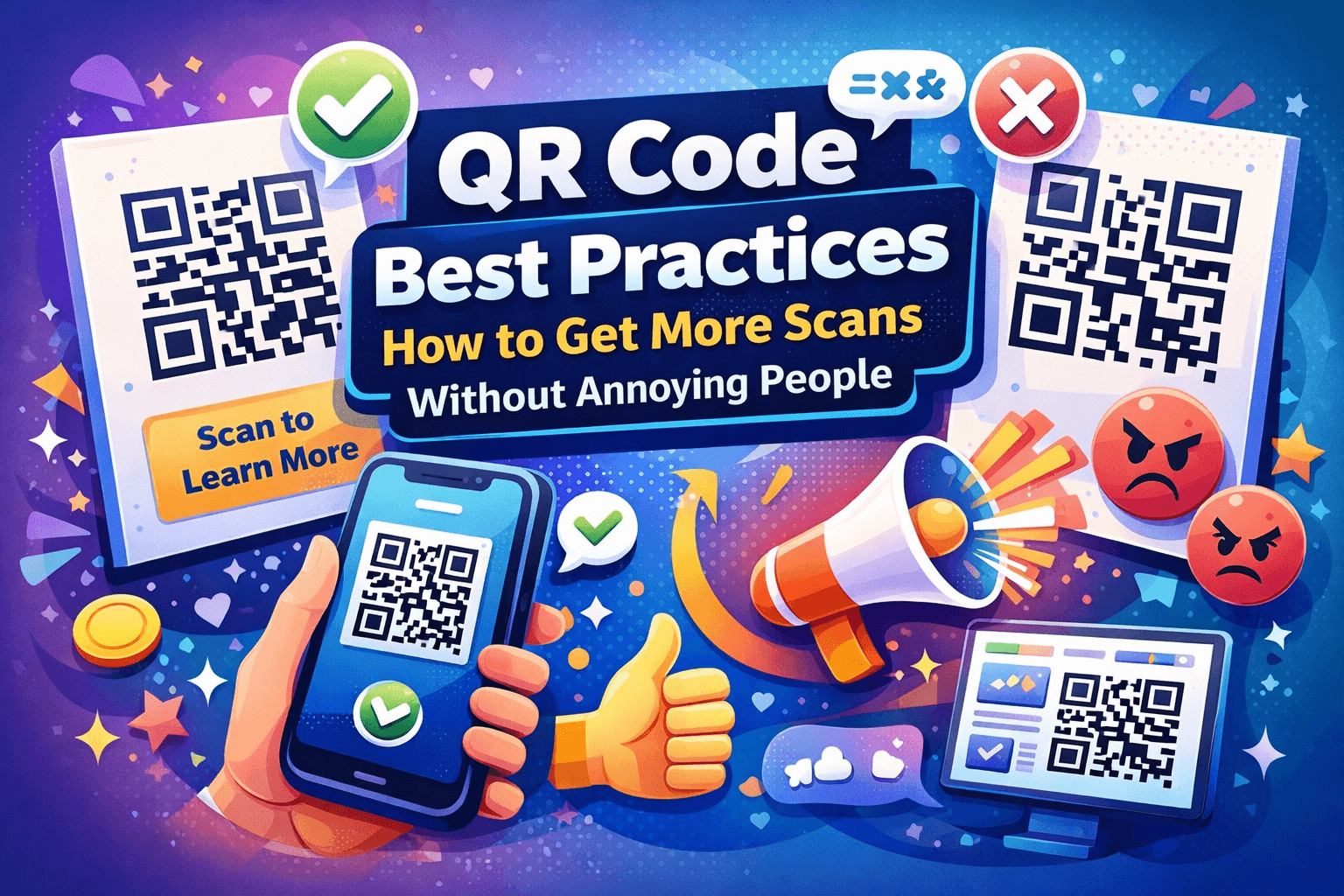
Most QR codes don’t fail because people dislike them. They fail because they’re placed, designed, or explained poorly. When QR codes follow a few simple best practices, they become easy to scan, useful, and surprisingly effective.
Below are proven QR code best practices that help increase scans and improve results — without gimmicks.
Always Tell People What They’ll Get
A QR code should never stand alone.
People want to know:
-
What happens after scanning?
-
Is it worth my time?
-
Is this relevant to me?
Best practice:
Always pair the QR code with a clear call to action:
-
“Scan to view the menu”
-
“Scan for the full guide”
-
“Scan to get the discount”
Clarity builds trust, and trust leads to scans.
Link to One Clear Destination
After scanning, users should land exactly where they expect.
Best practice:
Avoid generic homepages. Instead, link to:
-
A specific landing page
-
A product demo
-
A sign-up form
-
A focused offer
Every extra click reduces engagement.
Design for Fast, Effortless Scanning
A QR code should be easy to scan in real-world conditions, not just on a screen.
Best practice:
-
Use high contrast between the code and background
-
Make the QR code large enough
-
Avoid glossy or reflective surfaces
-
Keep enough white space around the code
If scanning feels awkward, people won’t try.
Place QR Codes Where Phones Can Reach
Placement matters just as much as design.
Best practice:
Place QR codes:
-
At eye level when possible
-
Where people naturally pause
-
In locations where holding a phone feels comfortable
Avoid placing QR codes too high, too low, or in high-glare areas.
Optimize the Mobile Experience
Every QR code scan happens on a phone. If the destination isn’t mobile-friendly, the scan is wasted.
Best practice:
Test the destination on your phone:
-
Check loading speed
-
Ensure text is readable
-
Keep forms short
-
Make buttons easy to tap
The scan is only half the experience — the page matters just as much.
Use Dynamic QR Codes for Anything Long-Term
If a QR code will be printed or reused, flexibility matters.
Best practice:
Use dynamic QR codes when:
-
The destination might change
-
You want to track scans
-
The QR code will be used long-term
This prevents broken links and wasted print materials.
Customize Carefully (Branding Without Breaking Scans)
Custom QR codes can improve trust and brand recognition — if done correctly.
Best practice:
-
Maintain strong contrast
-
Keep patterns readable
-
Avoid excessive decoration
-
Test scannability after customization
Tools like QRColor make it easier to customize QR codes while keeping them reliable to scan.
You can see an example here:
👉 https://qrcolor.com
Test Before You Publish or Print
This step is often skipped — and often regretted.
Best practice:
Before launching:
-
Scan the QR code on multiple devices
-
Test in different lighting conditions
-
Confirm the correct page opens every time
Testing takes minutes and prevents costly mistakes.
Review and Improve Over Time
QR codes aren’t “set and forget.”
Best practice:
When possible, review scan data to learn:
-
If people are scanning
-
Which placements work best
-
When engagement happens
Even basic insights help refine placement, messaging, and design.
Final Thoughts
Good QR codes don’t rely on novelty. They rely on clarity, placement, and usability. When QR codes are easy to scan, clearly explained, and paired with mobile-friendly destinations, people are happy to use them.
Follow these best practices, and QR codes stop being ignored — and start doing their job.

 English
 Arabic
 French
 Spanish
 Portuguese
 Deutsch
 Turkish
 Dutch
Dutch
 Italiano
 Romaian
 Portuguese (Brazil)
 Greek
Greek