
How QR Codes Improve the Value of Business Cards
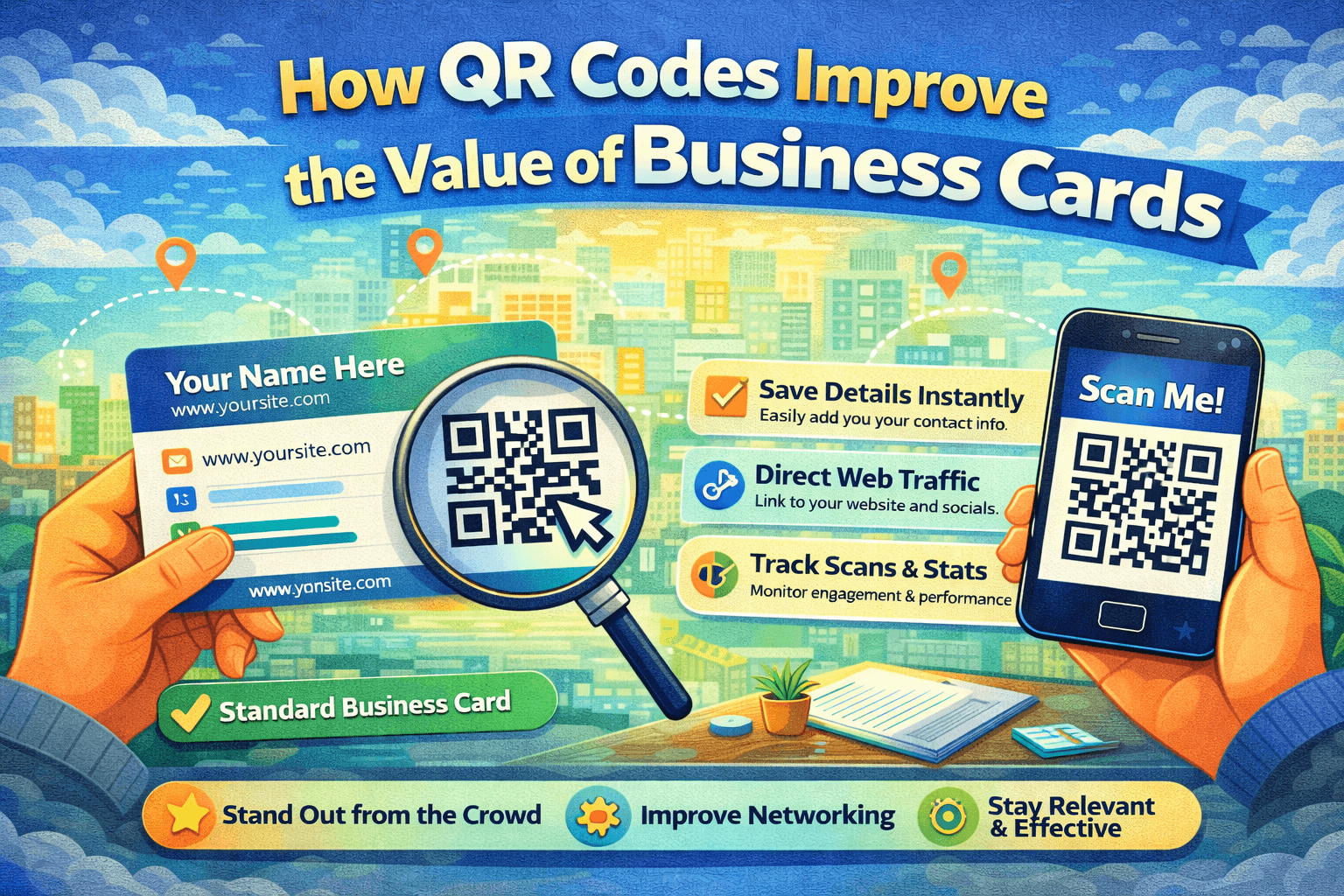
Business cards are still a common way to exchange contact information, even in a digital-first world. They’re quick to hand out and easy to carry, but they have a clear limitation: once printed, the information on them can’t be updated or expanded.
Adding a QR code to a business card is a simple way to overcome that limitation. It connects a physical card to digital content, allowing a conversation to continue beyond the initial exchange.
Why QR Codes Are Useful on Business Cards
A traditional business card can only display a limited amount of information. Phone numbers, email addresses, and job titles quickly fill the available space, leaving no room for anything else.
QR codes extend what a business card can do by:
-
Providing instant access to digital information
-
Eliminating the need for manual data entry
-
Reducing errors when saving contact details
-
Connecting offline interactions with online content
With a single scan, a business card can lead to a website, contact page, portfolio, or any other relevant destination.
Common Uses for QR Codes on Business Cards
The purpose of a QR code depends on where it links. Some of the most effective uses include:
-
Digital contact cards, which allow users to save contact details instantly
-
Personal or business websites, offering more context and information
-
Portfolios or project pages, useful for freelancers and creatives
-
Landing pages, designed specifically for new contacts
If you don’t already have a QR code, you can create one quickly using an online generator such as
https://generate-qr-code.com
which allows you to generate a scannable code without technical knowledge.
Static and Dynamic QR Codes
There are two main types of QR codes, and choosing the right one matters.
Static QR codes link to a fixed destination that cannot be changed after printing. They are suitable for short-term use or content that will never need updating.
Dynamic QR codes allow the destination to be updated later without changing the printed code. This makes them more flexible for long-term use, especially when contact details or links may change.
For most professional use cases, flexibility is an important advantage.
Design Considerations
A QR code must be easy to scan to be effective.
Good practices include:
-
Using high contrast between the QR code and the background
-
Making the code large enough to scan comfortably
-
Placing it where it’s easy to notice, often on the back of the card
-
Adding a short instruction, such as “Scan to save contact”
Testing the QR code before printing large quantities of cards helps avoid scanning issues.
Mistakes to Avoid
Many problems with QR codes come from simple oversights, such as:
-
Linking to pages that are not optimized for mobile devices
-
Using low-quality or compressed QR code images
-
Not testing the QR code after printing
-
Sending users to pages without a clear purpose
Paying attention to these details improves the overall experience.
Conclusion
QR codes don’t replace business cards — they enhance them.
By combining a physical card with a digital destination, QR codes make it easier to continue conversations, share information accurately, and adapt over time. For a small addition, they offer a practical improvement to traditional networking.

 Arabic
 French
 Spanish
 Portuguese
 Deutsch
 Turkish
 Dutch
Dutch
 Italiano
 Russian
 Romaian
 Portuguese (Brazil)
 Greek
Greek