
Philips TV Remote Control Not Responding: How to Fix
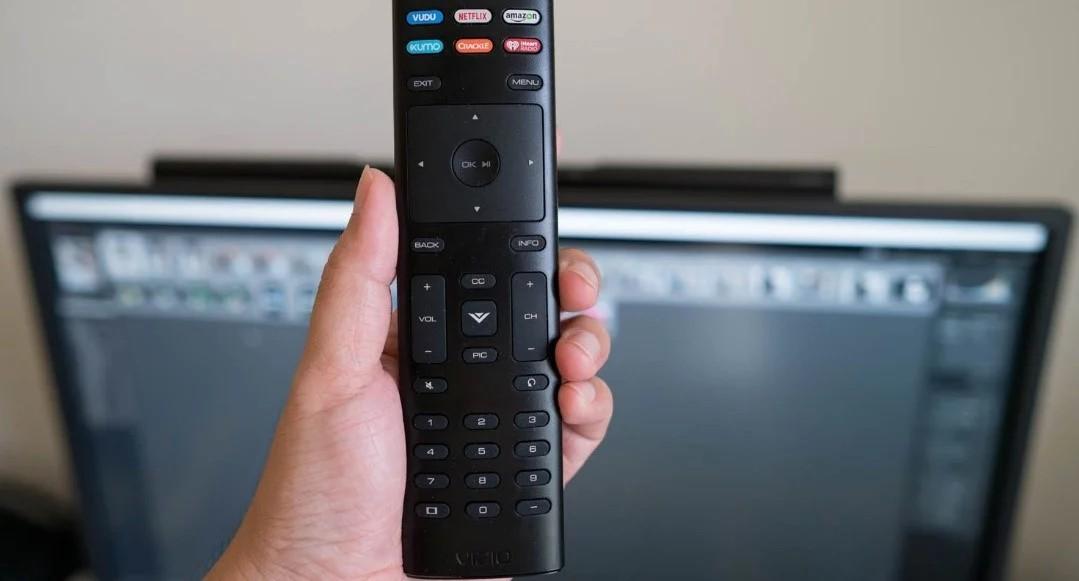
Last month, my Philips 55PUS7805 TV suddenly stopped responding to the remote control. At first, I thought the problem was with the batteries, but after replacing them, nothing changed. The frustration of pressing buttons repeatedly with no response was real, especially when I wanted to relax after a long day. That’s when I decided to research solutions on https://manymanuals.com/, where I found several simple steps that saved me from calling customer support.
Common Reasons Why Philips TV Remotes Stop Working
When a remote control doesn’t respond, it’s rarely a catastrophic failure. Here are the most common reasons:
-
Dead or weak batteries that can no longer transmit a strong signal.
-
Obstructions between the remote and the TV sensor blocking the infrared beam.
-
Dirty infrared sensor on either the TV or the remote.
-
Software glitches requiring a reset of the remote or TV.
-
Pairing issues for remotes that use Bluetooth.
Identifying the cause is the first step toward a quick fix.
Step 1: Check the Batteries
The most obvious solution is often the correct one. Even though I had just changed mine, I double-checked by testing the batteries in another device. Weak or incorrectly inserted batteries are one of the top culprits.
Step 2: Inspect the Remote’s Signal
I used a simple trick with my smartphone camera. By pointing the remote at the camera and pressing a button, I could see a faint light from the infrared sensor if the remote was working. If no light appears, the remote may be faulty.
Step 3: Reset the Remote and TV
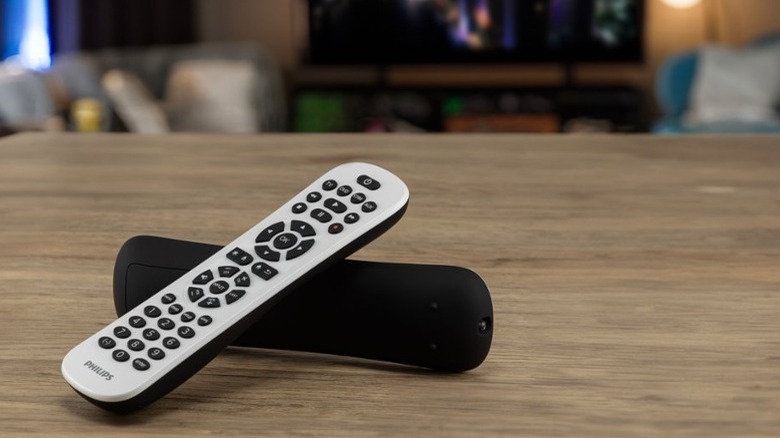
Sometimes the remote and TV lose communication due to a software glitch. I unplugged my Philips TV from the wall, waited 60 seconds, and plugged it back in. For the remote, I removed the batteries, pressed the power button for 15 seconds to discharge it, and reinserted the batteries. After this reset, many users find their remote begins working again.
Step 4: Clean the Infrared Sensor
Dust and dirt can block the signal. I gently wiped the front of the remote and the TV’s infrared receiver with a microfiber cloth. It seemed trivial, but a clearer line of sight improved responsiveness.
Step 5: Check for Bluetooth Pairing Issues
Some Philips TVs, including the 55PUS7805, use a combination of infrared and Bluetooth for advanced remote functions. If Bluetooth pairing fails, only basic functions may work. Following the step-by-step instructions in Philips manuals.online, I re-paired the remote through the TV’s settings menu. Once paired, the response was instant.
FAQs About Philips TV Remote Issues
Why does my Philips TV respond sometimes but not always?
This often happens when the batteries are weak or when obstructions block the infrared signal.
Do I need a new remote if mine doesn’t work?
Not always. Most issues are fixable with resets, cleaning, or re-pairing. Replacement is a last resort.
How can I tell if the remote itself is broken?
Use the smartphone camera test to check if the remote emits light when you press buttons.

Can software updates affect remote performance?
Yes. Sometimes, after a firmware update, re-pairing the remote is necessary.
What if none of these fixes work?
You may need a replacement remote or to contact Philips service support.
My Experience With the Fix
In my case, it was indeed a pairing issue. The remote could control the volume but not the smart functions, which made streaming impossible. By carefully following the step-by-step re-pairing guide, I restored full functionality. The process took less than 10 minutes, and I saved both time and money by not ordering a new remote unnecessarily.
Preventive Measures
Now that my remote works perfectly again, I’ve adopted a few habits to avoid future problems:
-
Replace batteries in pairs rather than mixing old and new.
-
Keep the line of sight between the remote and TV clear of objects.
-
Clean the remote and sensor area monthly.
-
Perform a quick reset if the remote starts acting sluggish.
These simple actions help ensure consistent performance.
Lessons Learned
At first, I assumed my Philips remote had completely failed, and I was ready to buy a replacement. But after following a troubleshooting path, I realized the issue was minor and fixable. Using guidance from manuals.online, I became more confident in solving such technical hiccups myself.
Later, I came across practical discussions on https://manymanuals.fr/, where other Philips owners shared similar experiences and solutions. It reassured me that these remote issues are common and rarely a sign of permanent damage.
Today, my Philips TV remote responds instantly, and I know how to handle similar problems in the future. What started as a frustrating evening ended as a valuable learning experience about the importance of patience and reliable troubleshooting resources.

 Arabic
 French
 Spanish
 Portuguese
 Deutsch
 Turkish
 Dutch
Dutch
 Italiano
 Russian
 Romaian
 Portuguese (Brazil)
 Greek
Greek