
Common QR Code Mistakes That Break Campaigns (And How to Avoid Them)
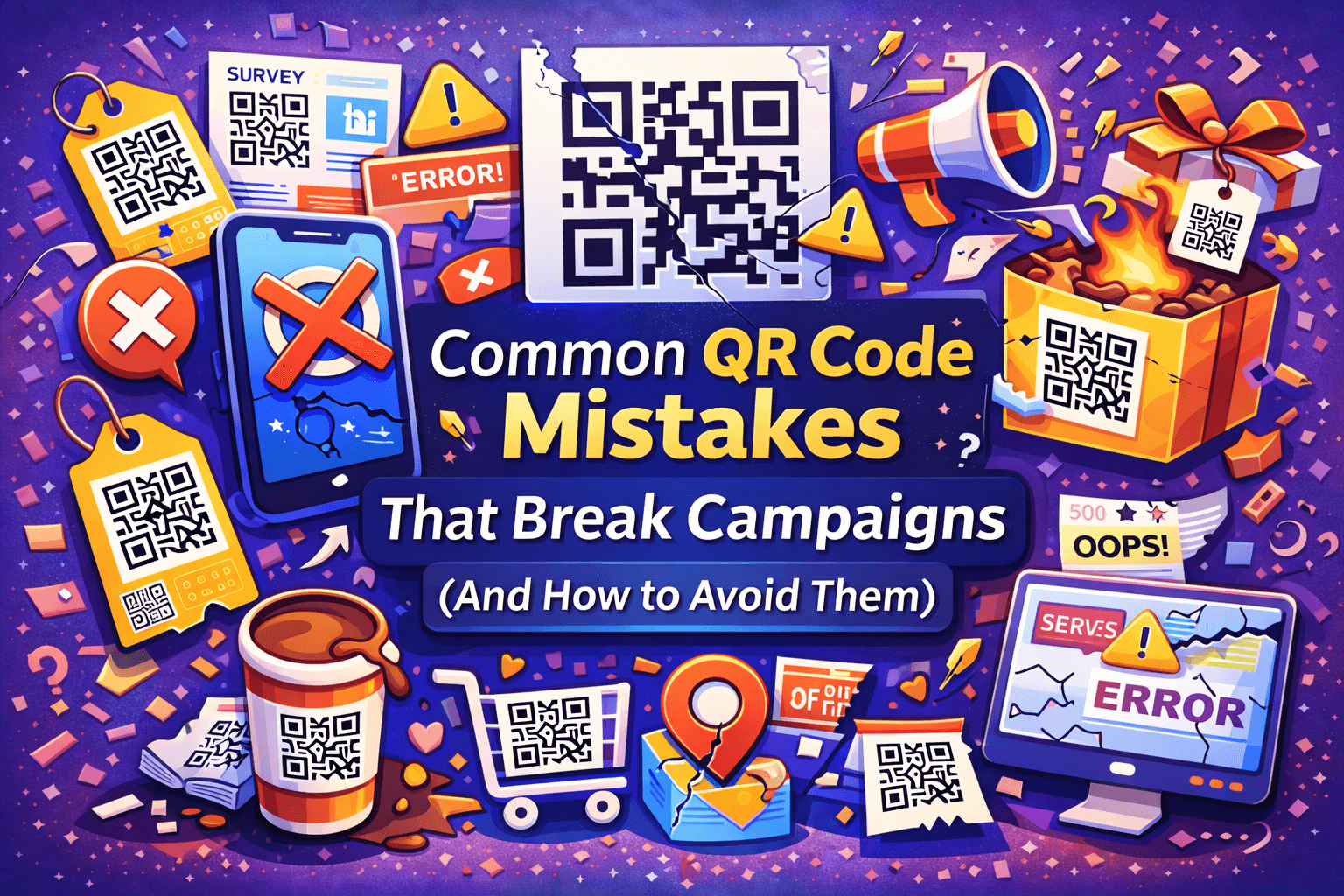
QR codes are simple to use, which is exactly why they’re easy to get wrong. Most failed QR code campaigns don’t fail because of the technology — they fail because of small, avoidable mistakes.
Below are the most common QR code mistakes that quietly break campaigns, along with practical ways to avoid them.
1. Not Explaining Why Someone Should Scan
One of the biggest mistakes is assuming people will scan a QR code without context.
A QR code with no explanation leaves users asking:
-
What will this open?
-
Is it worth my time?
-
Is it safe?
How to avoid it
Always add a short call to action, such as:
-
“Scan to get 10% off”
-
“Scan for the full menu”
-
“Scan to watch the demo”
Clear value dramatically increases scan rates.
2. Linking to a Generic Homepage
Sending users to a homepage is a common but costly mistake.
Homepages:
-
Are often unfocused
-
Add extra steps
-
Don’t match the user’s expectation after scanning
How to avoid it
Link QR codes to specific, relevant pages:
-
Campaign landing pages
-
Product demos
-
Forms or sign-ups
-
Offer pages
The fewer decisions a user has to make, the better.
3. Using Static QR Codes for Changing Content
Static QR codes can’t be updated. If the destination changes, the QR code breaks.
This becomes a serious issue when QR codes are printed on:
-
Packaging
-
Posters
-
Menus
-
Business cards
How to avoid it
Use dynamic QR codes for anything that might change. This allows you to update the destination without reprinting materials.
4. Poor Placement That Makes Scanning Difficult
Even a perfectly set-up QR code fails if it’s hard to scan.
Common placement issues include:
-
QR codes placed too high or too low
-
Codes printed too small
-
Surfaces with glare or poor contrast
How to avoid it
Place QR codes:
-
At eye level when possible
-
With enough size for phone cameras
-
On matte, high-contrast surfaces
If people have to struggle to scan, they won’t.
5. Ignoring Mobile Experience After the Scan
A QR code is a mobile action — but many destinations aren’t mobile-friendly.
Common problems:
-
Slow-loading pages
-
Tiny text
-
Forms that are hard to fill on a phone
How to avoid it
Always test the destination on a mobile device:
-
Check load speed
-
Make sure text is readable
-
Keep forms short and simple
If the page is frustrating, users will leave.
6. Not Testing the QR Code Before Printing
This mistake happens more often than people admit.
QR codes can break due to:
-
Typing errors
-
Wrong links
-
Design changes
-
Export issues
How to avoid it
Before printing or publishing:
-
Scan the QR code with multiple devices
-
Test in different lighting conditions
-
Confirm the correct page opens
Testing takes minutes. Reprinting costs money.
7. Overdesigning the QR Code
Custom designs can improve branding — but only if scanning still works.
Common design issues:
-
Low contrast between code and background
-
Excessive logos or decorations
-
Distorted shapes
How to avoid it
Customization should never hurt usability. Use designs that maintain strong contrast and clear structure.
Tools like QRColor help create customized QR codes while keeping them easy to scan.
You can see an example here:
👉 https://qrcolor.com
8. Not Measuring or Learning From Results
Many QR codes are launched and then forgotten.
Without tracking, you don’t know:
-
If the QR code is being scanned
-
Where it performs best
-
Whether it’s worth keeping
How to avoid it
When possible, use QR codes that provide scan data. Even basic insights can help you improve placement, messaging, and design.
Final Thoughts
QR codes don’t fail because they’re outdated — they fail because of poor execution. Clear intent, proper placement, mobile-friendly destinations, and basic testing make a huge difference.
Avoiding these common mistakes can turn a QR code from a wasted square into a reliable part of your campaign.

 Arabic
 French
 Spanish
 Portuguese
 Deutsch
 Turkish
 Dutch
Dutch
 Italiano
 Russian
 Romaian
 Portuguese (Brazil)
 Greek
Greek